
Why Instagram Disabled Your Account After Fast Growth
Why Instagram Disabled Your Account After Fast Growth
Your account grows fast, then disappears with a note about pretending to represent a business. Here is what that phrase covers and what an appeal can realistically achieve.
- 1Why Instagram Disables Accounts That Grow Too Fast
- 2What “Pretending to Represent a Business” Actually Means
- 3Why the Appeal Usually Goes Nowhere
- The Oversight Board Is Closed to You, and That Is Written Down
- What Is Actually Worth Trying
- Readers in the EU Have a Second Route That Costs Nothing
- 4How to Avoid Getting Flagged in the First Place
- 5How to Grow Without Risking Everything
- 6Frequently Asked Questions
- Can Instagram disable my account just for growing too fast?
- What does “pretending to be a business” mean on Instagram?
- Can I appeal to the Oversight Board if my account is disabled?
- Is there any appeal route outside Instagram?
- Does Meta usually cooperate with those independent appeals?
- Does a linked Facebook Page help get an account back?
You finally get some momentum. Followers are rolling in. Engagement is up.
And then, bam. Your account’s gone.
No clear warning. No real reason. Just a vague message about violating terms or “pretending to represent a business.”
And when you try to appeal? Crickets.
If this has happened to you, or you’re worried it might, you’re not alone. Instagram reads sudden growth as a spam signal, and its automated systems act first and explain later.
The short version: fast growth is not itself against the rules, but it moves your account into automated review, where a polished new profile can read as a fake company. The in-app appeal is the only route most creators can use, because Meta’s Oversight Board refuses appeals from anyone whose account is disabled.
Why Instagram Disables Accounts That Grow Too Fast
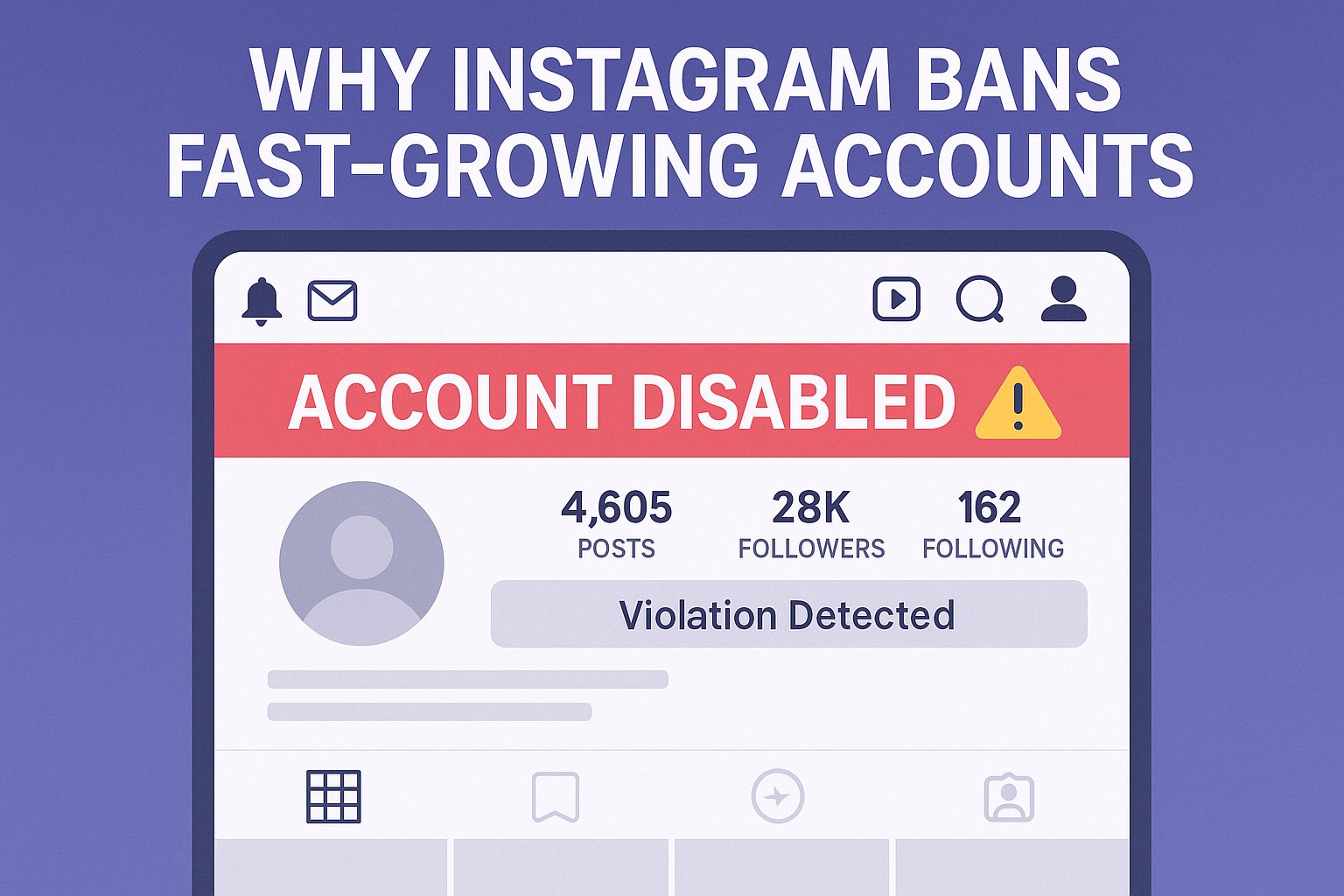
Instagram’s automated systems watch for the behavior patterns that usually accompany bought growth. A real account that grows in the same shape as a fake one gets caught by the same filters.
Rapid growth should be a good thing, but on Instagram, it can trigger red flags.
Their systems are built to detect spammy behavior, and unfortunately, they don’t always get it right.
Here’s what’s happening behind the scenes:
-
Instagram monitors sudden follower spikes, especially when they happen over short periods or come from unfamiliar regions
-
If your engagement pattern shifts drastically (e.g., no likes one day, 10k the next), their system assumes automation or fake activity
-
Accounts that grow while posting repetitive or overly niche content sometimes get flagged as bots or spam farms, even if the content is real
Even creators who grow organically can get caught in this net. One user mentioned hitting 10k in under a week, only to have their account removed for “impersonation” with no actual impersonation involved.
The bigger issue is that Instagram often doesn’t offer any clarity. Just a default message and no explanation. You’re left guessing what went wrong.
What “Pretending to Represent a Business” Actually Means
Instagram files this label under impersonation. It groups the account with those that claim to be a brand, or to speak for one, without authorization. What trips it is how the profile reads to an automated check, which is why a genuine creator can be caught.
This is one of Instagram’s more vague violation labels, and it’s catching a lot of creators off guard.
Instagram publishes no checklist for this label, so the patterns below come from what disabled creators consistently describe, not from documented criteria. Treat them as risk factors rather than rules.
Instagram tends to apply the label when an account:
-
Is using a business name without being affiliated with that brand
-
Has “too polished” of a profile too early, bio, logo, post schedule, link in bio, etc., which makes it look like a fake company trying to sell something
-
Links out to pages with sketchy or generic sales funnels
Unfortunately, the algorithm doesn’t know if you’re just a small creator building a brand. If your growth is fast and your setup looks like a commercial page, you might get flagged, even if you’re not pretending to be anyone.
To reduce risk:
-
Use a name that’s tied to you or your brand, not just generic keywords
-
Make your bio specific and personal, not just sales-focused
-
If you’re linking out to other platforms, make sure the page has your name, logo, or Instagram handle visible
-
Connect your page through Meta Business Suite, this gives it some legitimacy in Instagram’s backend
Why the Appeal Usually Goes Nowhere
The prompt inside the app is the only appeal route most creators can use. The escalation people are usually pointed toward, Meta’s Oversight Board, will not accept an appeal from a disabled account, and it says so in its own rules.
Once Instagram disables your account, you usually get a prompt to appeal. The problem is that most appeals seem to go into a black hole.
Creators have reported:
-
Submitting appeals multiple times with no reply
-
Receiving only automated rejection responses
-
Seeing their accounts vanish permanently, even when they did nothing wrong
The Oversight Board Is Closed to You, and That Is Written Down
The Oversight Board is the independent body that reviews Meta’s hardest calls, and it gets recommended constantly as the step above a failed appeal. For a disabled account it is a dead end by design.
Its published answer to “Who Can Appeal a Decision?” is that individuals “must have an active account on the service on which the content was posted. This means that the account cannot be disabled and the person must be able to log into it.”
The scope rules exclude you a second time. Board members review content “that has been left up on Facebook and Instagram as well as content that has been removed by Meta from those platforms”, which covers posts and comments rather than profiles.
There is a third gate on top of those. Meta issues a reference ID starting with FB or IG followed by eight characters only when a decision qualifies, and the Oversight Board requires it: “If the decision is not eligible for appeal, you will not see a reference ID.”
Creators lose weeks hunting for that escalation before discovering they were never eligible. The in-app prompt is where the effort belongs.
What Is Actually Worth Trying
Here’s what’s worth trying anyway:
-
Submit the appeal immediately, but keep it short and factual
-
Avoid sounding emotional or defensive, just state that you believe the action was taken in error and that your content is original
-
If you’re running ads, go through Meta Business Support instead of the app. You’ll have a better chance of reaching a human
-
Consider switching to a Business account connected to Meta Suite if you get your account back, it makes you more “verifiable”
That last one matters more than you’d think. Some creators say the only reason they were reinstated was because they had a linked Facebook Business Page.
Readers in the EU Have a Second Route That Costs Nothing
Appeals Centre Europe is an Ireland-certified dispute settlement body set up under the EU’s Digital Services Act, which gives users a way to challenge account and post takedowns without going to court. It handles disputes about Facebook, Instagram, TikTok, Pinterest, Threads, YouTube and Google Maps.
Filing costs nothing. The Centre states that “there is currently no user fee to submit a dispute”, and that anyone located in the European Union can file one, in English, French, German, Spanish, Italian, Polish or Dutch. It aims to decide within 90 calendar days, extending to 180 for complex cases.
Several limits matter before you count on it. The route is open only to people located in the EU, and the Centre spells out that EEA or EFTA countries outside the union, meaning Switzerland, Norway, Iceland and Liechtenstein, are not accepted.
The deadline catches people out. The Centre “can only review platform decisions made against you as the person who posted the content within the last 6 months (180 days)”, so an account disabled a year ago is already outside its time limit.
One exclusion hits disabled Instagram accounts especially hard. The Centre states that it “cannot review decisions where the platform requires you to verify your identity (for example, by providing ID documents) or outcomes of that verification process”, and Instagram routinely asks disabled users for a government ID or a selfie video.
Nor is a win binding. In the Centre’s own words, “even if our decision is in your favour, we cannot guarantee that the platform will restore your content or account. The final decision lies with the platform.”
The filing numbers are the reason to bother anyway. In the Centre’s reporting year from April 2025 to March 2026, more than 4,600 eligible Facebook and Instagram account suspension disputes were lodged, and Meta supplied the disputed content in fewer than 100 of them.
Staying silent costs the platform something. When a company fails to hand over the material within 30 days the ruling automatically goes to the user, and more than 7,300 disputes across all platforms ended in one of those default decisions.
Read that honestly before pinning hopes on it. In the Centre’s earlier report, covering November 2024 to August 2025, close to two thirds of user wins came from platforms never supplying the posts, and where material was handed over users still won roughly half the time.
If all else fails, and your account is gone for good, it’s worth starting over with protections in place, because it can happen again.
How to Avoid Getting Flagged in the First Place
Give the account visible human ownership. Most of the flags below come from a profile reading as commercial before it reads as human.
Instagram’s system rewards consistency and “believability” over speed.
To protect your account as you grow:
-
Ramp up gradually, even if your content starts blowing up, spread your posting and engagement across a few days
-
Use a profile picture and name that clearly reflect you or your brand, not just keywords or trends
-
If you’re using a tool to grow (like hashtag research or scheduling tools), make sure they follow Instagram’s API terms. Stick with trusted platforms like Flick
-
Keep your engagement natural, don’t like or comment in huge bursts, and avoid mass-following
-
Connect your profile to Meta Business Suite to establish legitimacy behind the scenes
-
If you’re building something beyond your Instagram (like an email list, freebie, or product), keep the links clean and hosted on a branded domain, Systeme IO is great for this
None of these guarantee safety, but they reduce the chance of getting flagged for something you didn’t even do.
How to Grow Without Risking Everything
You can still grow fast on Instagram. The key is to do it in a way that doesn’t trigger the system.
Spread the same growth across more days and more surfaces. The pattern that survives review is steady output with engagement that looks hand-made, which is also what compounds.
Here’s what creators are doing differently:
-
Focusing on story-based Reels and mini-educational content that sparks saves and shares
-
Spacing out engagement instead of hitting hundreds of accounts in a day
-
Growing through DM interactions and story replies, which don’t flag you like mass-following can
-
Using tools like Blaze AI to map out content series that build momentum without relying on viral spikes
-
Building an off-platform safety net, email list, lead magnet, or Discord community, so they’re not 100% dependent on one profile staying alive
You don’t have to play small to stay safe.
The more legitimate your profile looks, from the setup to the link in your bio, the better your chances of staying out of trouble as your audience grows.
Keep your archive, your email list and your customer records off the platform. That way a bad automated call costs you one profile and nothing else.
Frequently Asked Questions
Can Instagram disable my account just for growing too fast?
Not for the growth by itself. Speed pushes an account into automated review, and the disable follows from what that review concludes about the profile, usually impersonation or inauthentic activity.
What does “pretending to be a business” mean on Instagram?
It is an impersonation finding, meaning the system judged that the account claims to be a brand or to speak for one without authorization. Instagram does not publish criteria for it, so nobody outside Meta can tell you exactly which signal tripped.
Can I appeal to the Oversight Board if my account is disabled?
No. The Board requires an active account, stating that “the account cannot be disabled and the person must be able to log into it”, and it reviews content decisions rather than profiles. You also need an eligibility reference ID that Meta only issues for qualifying content decisions.
Is there any appeal route outside Instagram?
In the European Union, yes. Appeals Centre Europe takes free disputes about Instagram account and post decisions under the Digital Services Act, aiming to decide within 90 calendar days. Outside the EU there is no equivalent independent route.
Does Meta usually cooperate with those independent appeals?
Rarely, on the published record. Across April 2025 to March 2026 the Appeals Centre logged more than 4,600 eligible Facebook and Instagram account suspension disputes and received the disputed content from Meta in fewer than 100 of them.
Does a linked Facebook Page help get an account back?
Some creators credit it, and connecting through Meta Business Suite also opens the business support channel rather than the in-app form. It improves your odds of reaching a human, though reinstatement is never guaranteed.

